ASHEVILLE INK
Glow In The Dark DTF Transfers
Size:12"x12"
Quantity:
Choose options
Size:12"x12"
Quantity:
Size:12"x12"
Quantity:
Glow-in-the-Dark DTF Transfers
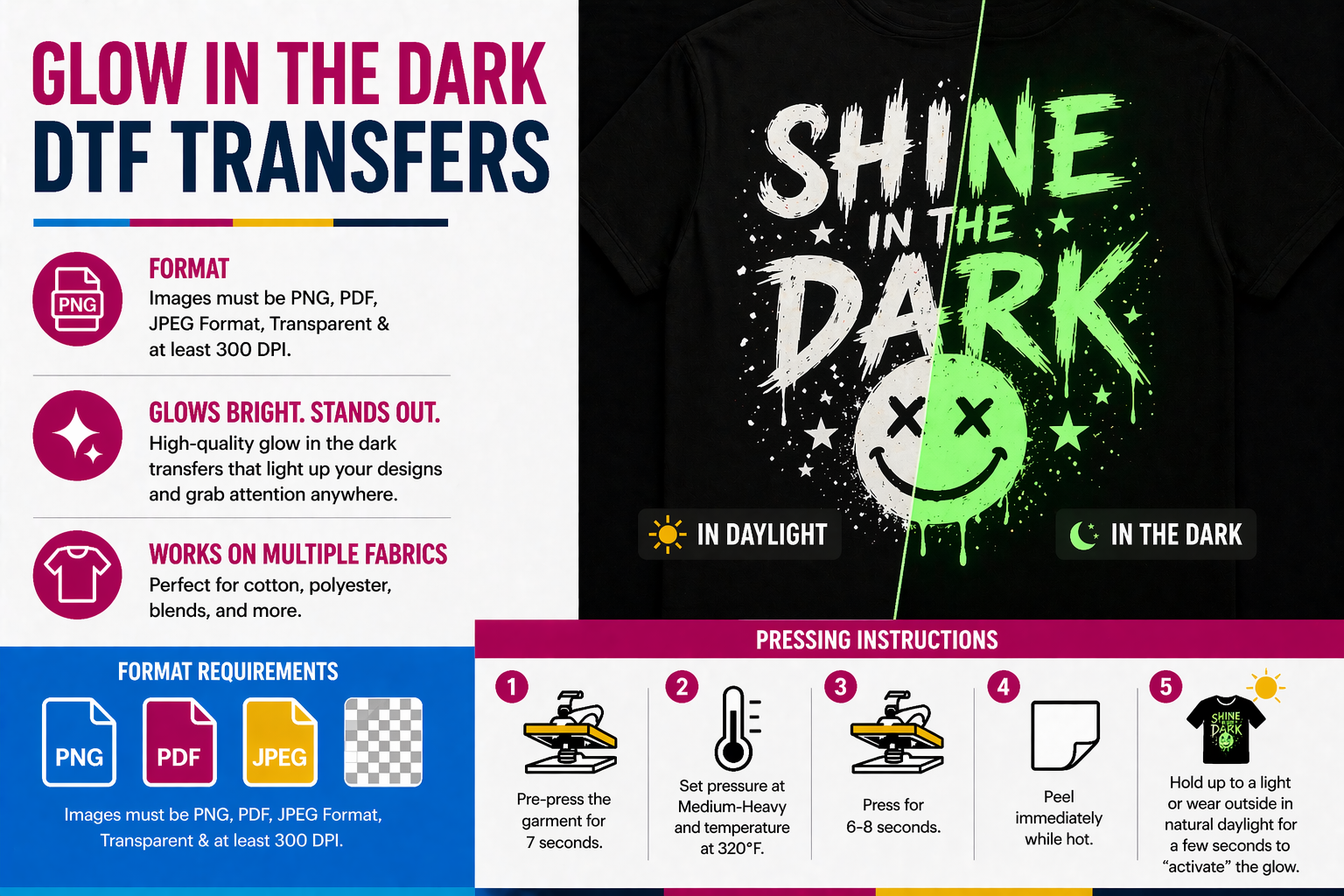
File Requirements:
- Accepted formats: PNG, PDF, JPEG
- Transparent background required
- Minimum resolution: 300 DPI for best print quality
Pressing Instructions:
- Pre-press garment for 7 seconds to remove moisture
- Position transfer on garment
- Press at 320°F with medium to heavy pressure for 6–8 seconds
- Peel immediately while hot for best results
Activation Tip:
Expose the design to light (natural daylight or direct light source) for a few seconds to activate the glow effect